How to Build a Claude Code Engine That Turns Any Transcript Into a Week of Platform-Native Content
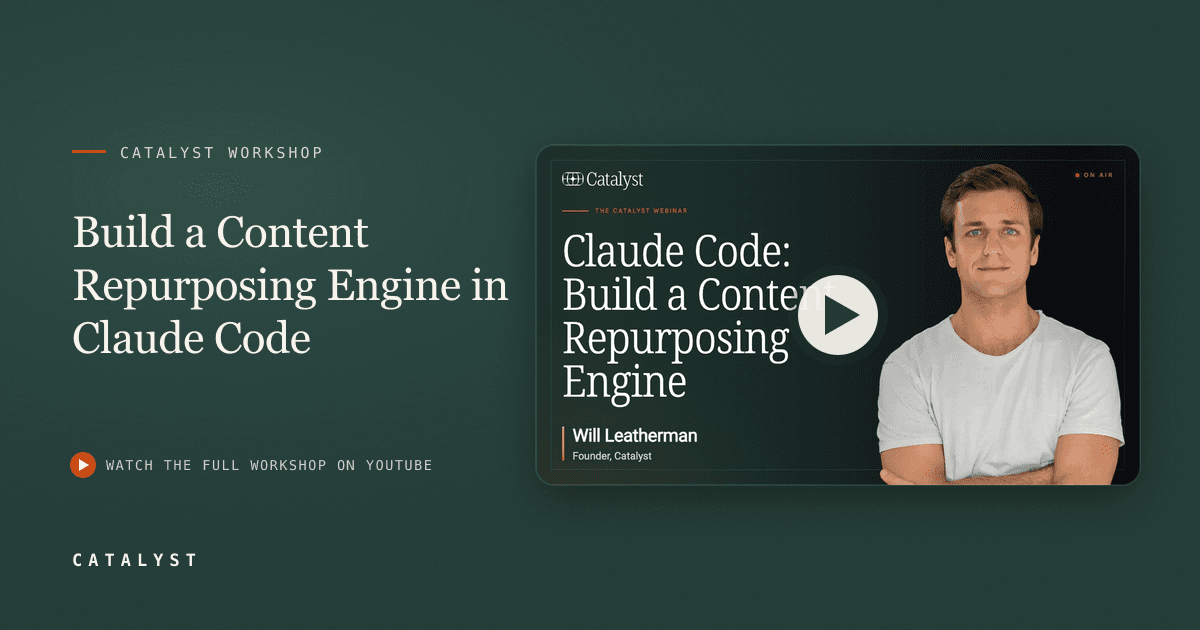
Most B2B teams leave their best content buried in recordings. This workshop walks through a live Claude Code build that mines any transcript for ideas, writes platform-native drafts in your voice, and schedules itself to run every week without manual input.

Will Leatherman
Founder, Catalyst
TLDR
You build a 3-stage workflow in Claude Code (co-work mode, not chat): extract key ideas from a transcript, reshape them through a voice guide the system builds for you, and produce LinkedIn posts, X threads, and a newsletter draft. Once you run it once and dial in feedback, you package it as a skill and schedule it weekly. Connect it to a call recording tool like CircleBack and you never have to paste in a transcript again. The only thing left to do is show up to the call.
Most teams produce more long-form content than they ever repurpose. A 45-minute workshop, a sales call with a sharp insight, an interview where an executive said something actually worth quoting. Those become nothing because no one has time to pull the content out and reshape it per platform.
This workshop builds the system that does that work automatically. Will Leatherman, Founder of Catalyst GTM, runs a live Claude Code build from scratch and shows exactly how the engine works, from first transcript to scheduled weekly routine.
The content repurposing engine described here is a Claude Code workflow designed for B2B operators and content teams who already produce webinars, calls, or workshops and want those sessions to generate platform-native posts each week without adding it to their task list.
What Does the Engine Produce Each Week?
For every transcript it processes, the engine produces one native draft per platform:
| Platform | Format | Target Length | |---|---|---| | LinkedIn | Single post | 180-220 words | | X (Twitter) | Thread | 3-5 tweets | | Newsletter | Full draft | 800-1,000 words |
Nothing is invented. The agent mines the transcript for what was actually said, uses your voice guide to understand how you write, and reshapes one idea per platform with a different angle and hook for each. Leatherman describes the output goal clearly: "Every week it pulls this transcript. It mines it for information, things that we talked about, what was the main takeaway. It looks at my voice profile. It understands how it can take the ideas that we discussed in today's session and separate them per platform."
Why Do Transcripts Produce Better Content Than Prompts?
AI-generated content underperforms because it invents ideas no one on your team ever said. The posts feel generic because they are. Content that performs on LinkedIn and X in 2026 comes from lived experience, not prompts.
As Leatherman puts it in this workshop: "AI can't have lived experiences. And so the content that is performing well is people talking about an experience that they actually had."
That is the logic this engine is built on. You already said the interesting thing during the call. The system finds it and formats it. It does not add to it.
The quality gate is the transcript itself. Better conversations, sharper calls, more honest webinars produce better content. The engine is a lever, not a substitute for having something to say.
How Does the 3-Stage Workflow Run?
The workflow follows three fixed stages regardless of the input source.
Stage 1: Extract. The agent reads the full transcript and pulls the main ideas, 3-7 quotable lines, and any contrarian claims. It saves a brief, a structured summary of what was actually discussed. The brief becomes the input for the next stage.
Stage 2: Reshape. The agent reads your voice guide, then rewrites each idea into platform-native drafts. LinkedIn gets a different hook and structure than the newsletter. The source material is the same; the format, angle, and word count adapt per channel.
Stage 3: Save. Drafts are written to a repurposing skill file in your Claude Code project folder. You review and post manually, or connect a publishing tool to push them automatically on a schedule.
This structure matters for repeatability. Once each stage works end to end, you schedule the whole sequence and stop running it manually.
How Do You Build It in Claude Code?
This runs in Claude Code using co-work mode. Co-work mode is not the same as Claude chat. Chat limits what the agent can do to the session window. Co-work mode lets the agent read and write files to your local machine, run terminal commands, and connect to external tools via MCP connectors. Those capabilities are what make this system possible.
Step 1: Create a project folder and open it in co-work mode. This folder holds your voice guide, brief template, transcript folder, and platform-specific writing guides. Everything the agent needs lives here.
Step 2: Build a voice guide from your existing content. Paste in 3-5 examples of your actual writing: LinkedIn posts, newsletter excerpts, a blog article. Tell Claude to create a voice guide from them. It writes a markdown file with rules for how you write. You do not write the rules yourself. If you already have a brand guide or single source of truth document, drop that in instead and skip this step.
Step 3: Drop in a transcript. Paste any long-form transcript into the project folder. Tell Claude to extract ideas, quotable lines, and a contrarian claim. It saves a brief.
Step 4: Reshape into drafts and give feedback. The agent produces one draft per platform. Review each one. Give specific, actionable feedback. Leatherman's approach during the live build: "The main takeaway is not very clear. Let's give it a stronger callback to the hook at the end." The agent applies the feedback and updates the voice guide so the next run starts closer to the target.
Step 5: Package the workflow as a skill and schedule it. Once the output is close, tell Claude to package the full 3-stage workflow as a repurposing skill and schedule it to run on a specific day and time each week. From that point, it runs without you.
On prompting, Leatherman makes the principle explicit: "The only way you should be working with Claude co-work and Claude in general right now is by telling it the outcome that you want and let it determine and clarify on how to get you there."
What Transcript Sources Work Best?
The engine accepts any long-form source. The more conversational and specific the content, the more ideas it finds.
Sources that work:
- Live workshops and webinar recordings (the highest-yield source)
- Sales calls (anonymize client names and company names before feeding in)
- Founder or executive interviews
- YouTube video transcripts
- Podcast episodes
- Research interviews or customer discovery calls
A 45-minute session with live Q&A produces significantly more extractable ideas than a scripted 10-minute video. Unscripted conversations surface the specific examples, sharp opinions, and real numbers that make content worth reading.
How Do You Automate Transcript Collection?
The fully automated version replaces manual transcript pasting with a live connection to your call recording tool.
Leatherman connects CircleBack, a call recording and transcription platform, via an MCP connector inside Claude Code. Once connected, the weekly routine pulls call notes from the previous week automatically. The workflow runs, mines the calls for content-worthy ideas, anonymizes any client-specific details, and produces drafts.
The scheduled task runs every Friday at 8am. Every call from the week becomes a potential content idea. No recall required. No manual step between the call ending and the draft appearing.
For teams that run content consistently, this is where the system pays for itself. The research and recall work that content creation normally requires disappears. What remains is a review step, not a production step.
Why Does Human Judgment Still Matter?
The engine handles production. It cannot handle judgment.
Knowing whether a LinkedIn hook earns the scroll-stop, whether the newsletter subject line delivers on its promise, whether the thread angle is actually interesting or just plausible, those are taste calls. The system does not make them.
What you can do is encode your judgment into the voice guide over time. Each round of feedback becomes a rule. The platform guides grow more specific. Leatherman's voice file after the live session included rules like: "Ban staccato triplets. State the takeaway. Don't let it trail off." Each rule moves the next draft closer to publishable without extra review time.
Documenting how to write a newsletter, how to write a LinkedIn post, how to structure an X thread pays back across every content workflow you build, not just this one. Those markdown files become reusable skill files you pull into any future Claude project that touches content. For a deeper look at how content operations scale at the team level, see How B2B Marketing Teams Get Named in AI Search.
How Do You Share the Workflow With Your Team?
Claude Code currently makes team sharing harder than it should be. The most reliable options:
- Push the project folder to GitHub. Team members pull it to their local machines and run the same workflow from the same files.
- Package the repurposing logic as a Claude plugin so it can be shared across sessions without requiring file transfers.
- Store weekly draft outputs in a shared CMS like Notion so the team reviews from a single location rather than individual machines.
Claude artifacts, shareable files with their own public URLs, may simplify this as the product develops. For now, GitHub is the practical path for teams with more than 2 contributors.
The Takeaway
The production friction in content repurposing is the reason most teams never do it consistently. This engine converts that friction into a scheduled task. You run it once, give feedback until the drafts are close enough, then schedule it and stop thinking about it.
Every call you take, every session you run, every interview you conduct feeds the system. The content follows automatically.
If you want to see where you currently stand in AI search and what to close first, run the free AI visibility audit at gotcatalyst.com. It shows exactly which gaps are holding your citations back and ranks them by impact. For context on what the audit measures and how to read the results, see How to Audit Your AI Search Ranking in 20 Minutes.
The Content Engineer
Enjoyed this article?
Frameworks like this, weekly. No fluff — just original research and actionable insight.
More in Content Strategy
How B2B Marketing Teams Get Named in ChatGPT Perplexity and Google AI
86% of buyer queries go unanswered by most B2B companies in AI search. Here is the 3-component system to change that, grounded in a live audit of a real healthcare IT company.
How to Build a Claude Workflow That Turns 1 Daily Idea Into 5 Ready-to-Post Drafts
Most B2B founders have content ideas they never ship. This 3-document setup and a single Claude co-work task changes that, producing platform-ready LinkedIn, Instagram, email, TikTok, and newsletter drafts from one captured idea every day.
How to get 30K YouTube views in your first month as a non-technical marketer
Louise de Sadeleer hit 30,000 views a month on YouTube in her first month as a non-technical creator. Her method treats YouTube as a search engine, not a talent show. Here is the exact 7-step workflow.
Ready to turn insight into pipeline?
We work with B2B companies that know content is the moat. Let's talk.